iOS (Swift)
The Swift package translate-projects-ios translates your app's String Catalog (Localizable.xcstrings) into every language you configure. The translations are written into the same catalog, so Text("..."), String(localized:) and Xcode keep working as usual. It is used as an Xcode plugin or from the terminal, and it has no dependencies.
Requirements
- Xcode 15 or later (Swift 5.9 or later).
- An app with a String Catalog (
Localizable.xcstrings). - A Translate Projects project and an API token. See Getting started.
1. Add the package
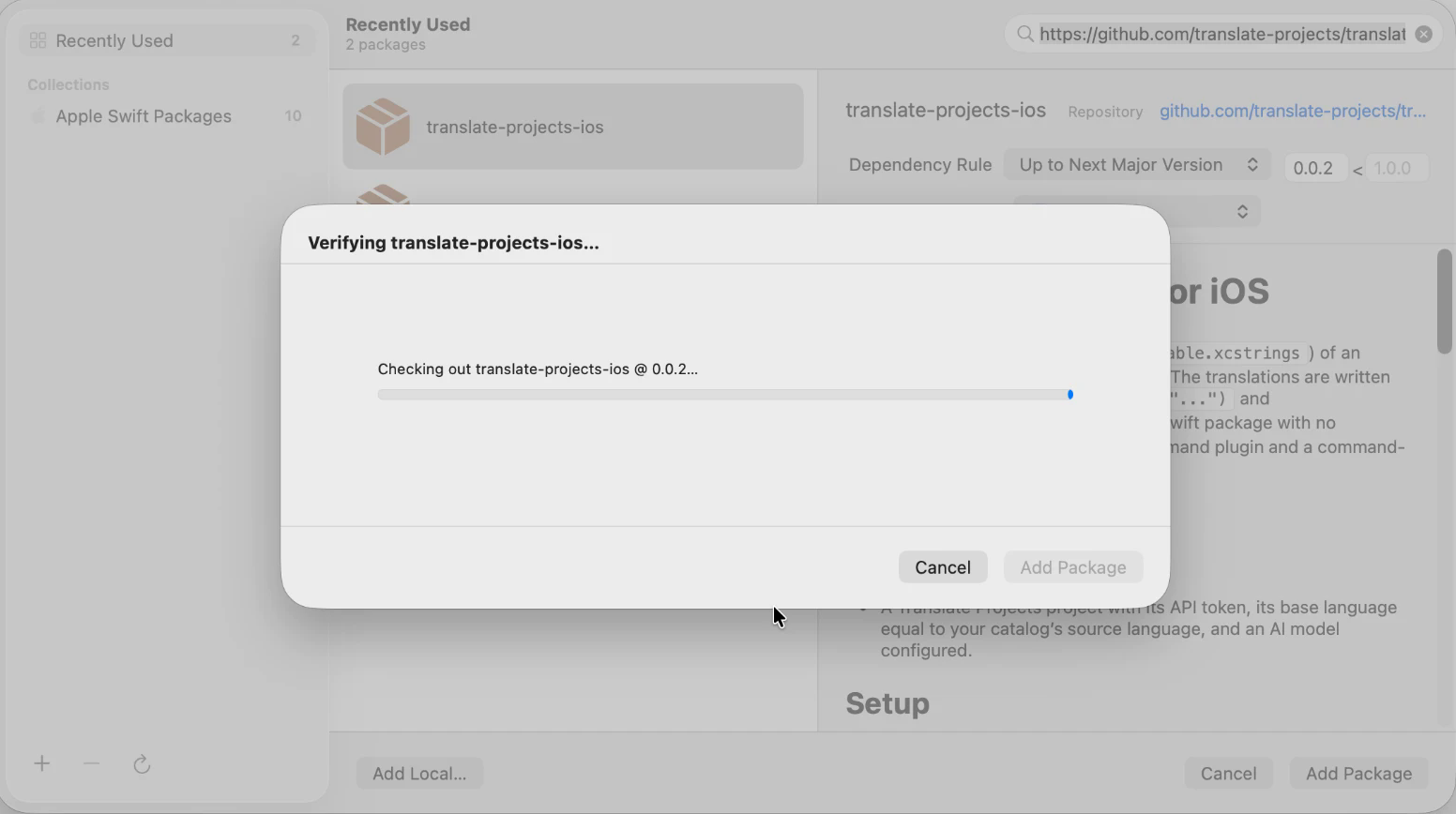
In Xcode: File → Add Package Dependencies and paste the repository URL:
https://github.com/translate-projects/translate-projects-ios
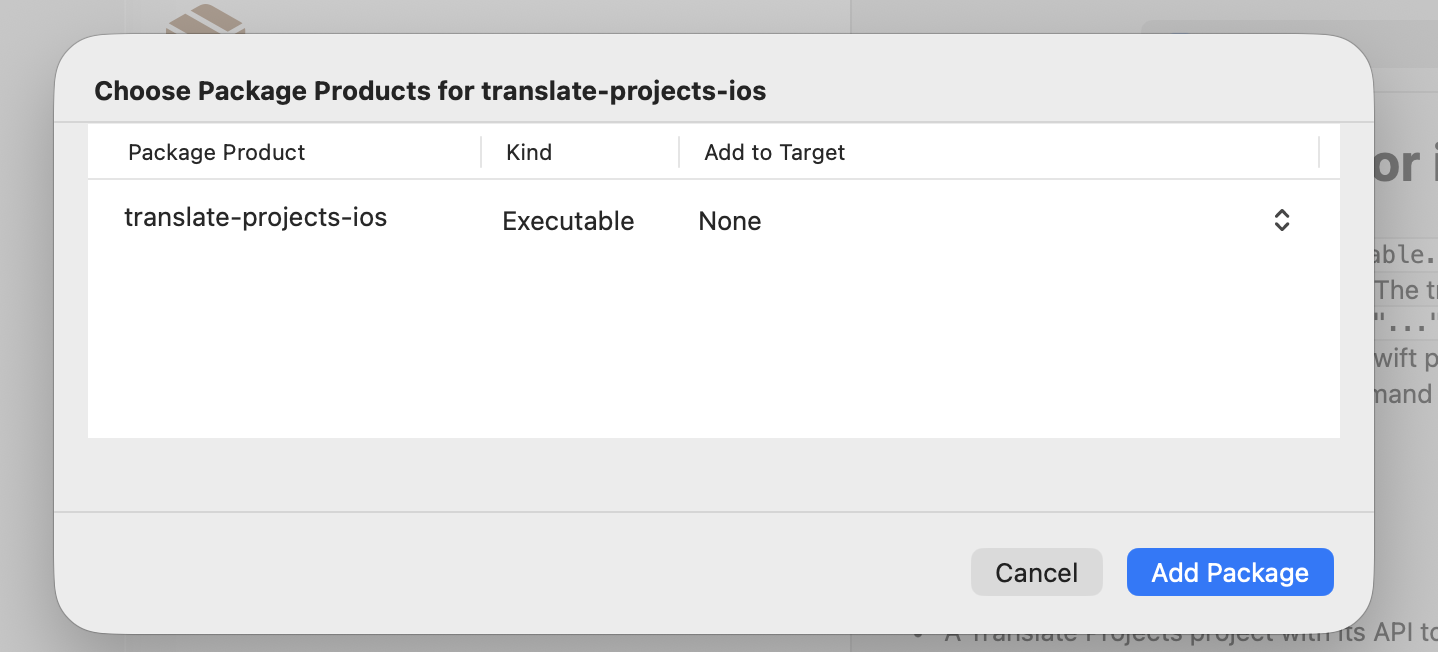
When Xcode asks which target to add the product to, leave None: the package does not go inside your app, it only provides the command for translating.
2. Configure
Create translate-projects.json next to your .xcodeproj (or Package.swift):
{
  "sourceLang": "es",
  "targetLangs": ["en", "pt-BR", "fr"],
  "file": "MyApp/Localizable.xcstrings",
  "tokenFile": ".translate-projects-token"
}
| Option | Required | Description |
|---|---|---|
sourceLang | Yes | Base language of the catalog. It must be the project's default language. |
targetLangs | Yes | Target languages, using the API codes (en, pt-BR, zh-Hans). |
file | No | Path to the catalog. If the project has a single .xcstrings, it is found automatically. |
tokenFile | No | File with the API token (just the token or a line TRANSLATE_PROJECTS_API_KEY=...). If it is not set, the TRANSLATE_PROJECTS_API_KEY environment variable is used. |
Add the token file to .gitignore: never commit it to the repository.
3. Translate
In Xcode: right-click the project in the navigator → TranslateProjects. The first time, Xcode asks for permission to write to the project and connect to the network.
From the terminal or in CI:
git clone https://github.com/translate-projects/translate-projects-ios
swift run -c release --package-path translate-projects-ios translate-projects-ios --directory .
If your project is a Swift package:
swift package --allow-writing-to-package-directory --allow-network-connections all translate
All options also exist as flags: --source es --langs en,pt-BR --file ... --token-file .... With --force, all languages are translated again.
Files it generates
MyApp/
├── Localizable.xcstrings                  ← the translations are added here
└── Localizable.translate-projects.json    ← cache, commit it
Commit both files. Building the app never calls the API: only the translate command does.
What it respects
- Placeholders (
%@,%lld,%1$@,%.2f,%#@nombre@): if a translation loses or changes one, it is not written and the app shows the original text. - Plurals, device variations and substitutions. Each language receives its own plural categories (
pt-BR: one, many, other). - Strings marked "Don't translate" and obsolete ones are not sent. Comments are preserved.
- Strings without letters (
"","$9.300","%@") are not sent. - Manual edits: if you change a translation in Xcode, it is respected in later runs until its source text changes.
--forceoverwrites them.
Cache
A second run without new texts makes two requests and translates nothing. If someone corrects a translation in the Translate Projects panel, the next run downloads it without --force; your manual edits in the file still take priority. If some texts change, only those are uploaded and only the outdated languages are translated. More details in Cache and errors.
Common errors
- Missing token (
MISSING_API_KEY: set TRANSLATE_PROJECTS_API_KEY): addtokenFileintranslate-projects.jsonor export the variable. - Multiple catalogs (
Several .xcstrings files): indicate which one to translate withfileor--file. - Different
sourceLanguage:sourceLangmust match the base language of the catalog and the project's default language. - Untranslated strings (
strings without translation, run again to resume): check that the project has the AI model and key configured, and run again: only the missing ones are requested.
🚀 Automate your translations for free
Translate Projects is free. You create your project, connect your AI provider's key, and only pay them what you spend.
- No plans or credit card required: All features are available from day one.
- Use your own AI: Claude, OpenAI, DeepSeek, or Gemini. Your key is stored encrypted.
- Shared translation network: If a text has already been translated, you receive it instantly without spending your key.
- Admin panel: Review and edit all your translations from one place.
We're here to help
If you have any questions, need help, or want to contribute, don't hesitate to contact me. I'm available to support you with whatever you need.
- Website: neiderruiz.com
- GitHub: @neiderruiz
- Twitter: @neiderruiz
- YouTube: Neider Ruiz
Support the Project
If this project has been helpful to you, I invite you to buy me a coffee. Your support helps me keep improving and creating valuable content. Thanks for being here! ☕
